Getting Started
Requirements
- Unity 2022 and above recommended.
Get the latest Windows PC Widget - Unity SDK
Download the latest Windows PC Widget Unity SDK from the link below:
Follow these simple steps to add Helpshift in-game support to Unity game right away:
Importing the package into the unity project
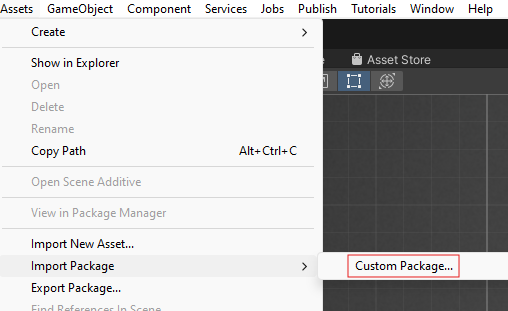
- In a game, we can import the package by navigating to Assets→ Import Package → Custom Package.
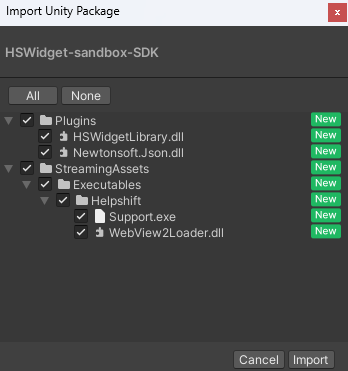
- Import all the files from the package into the project.
This standard approach allows game developers to control the Helpshift PC Widget's lifecycle using the provided set of Helpshift PC Widget APIs.
Start using Helpshift
Helpshift is now integrated in your app and ready to collect meaningful data about your users.
Initializing Helpshift in your app
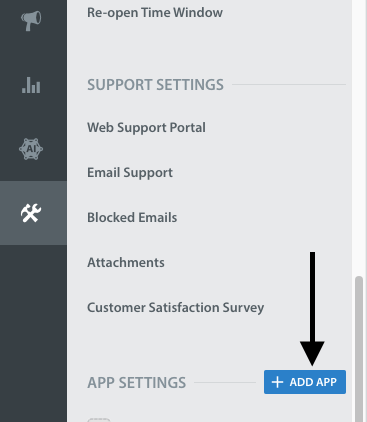
- First, create an app on the Helpshift Dashboard
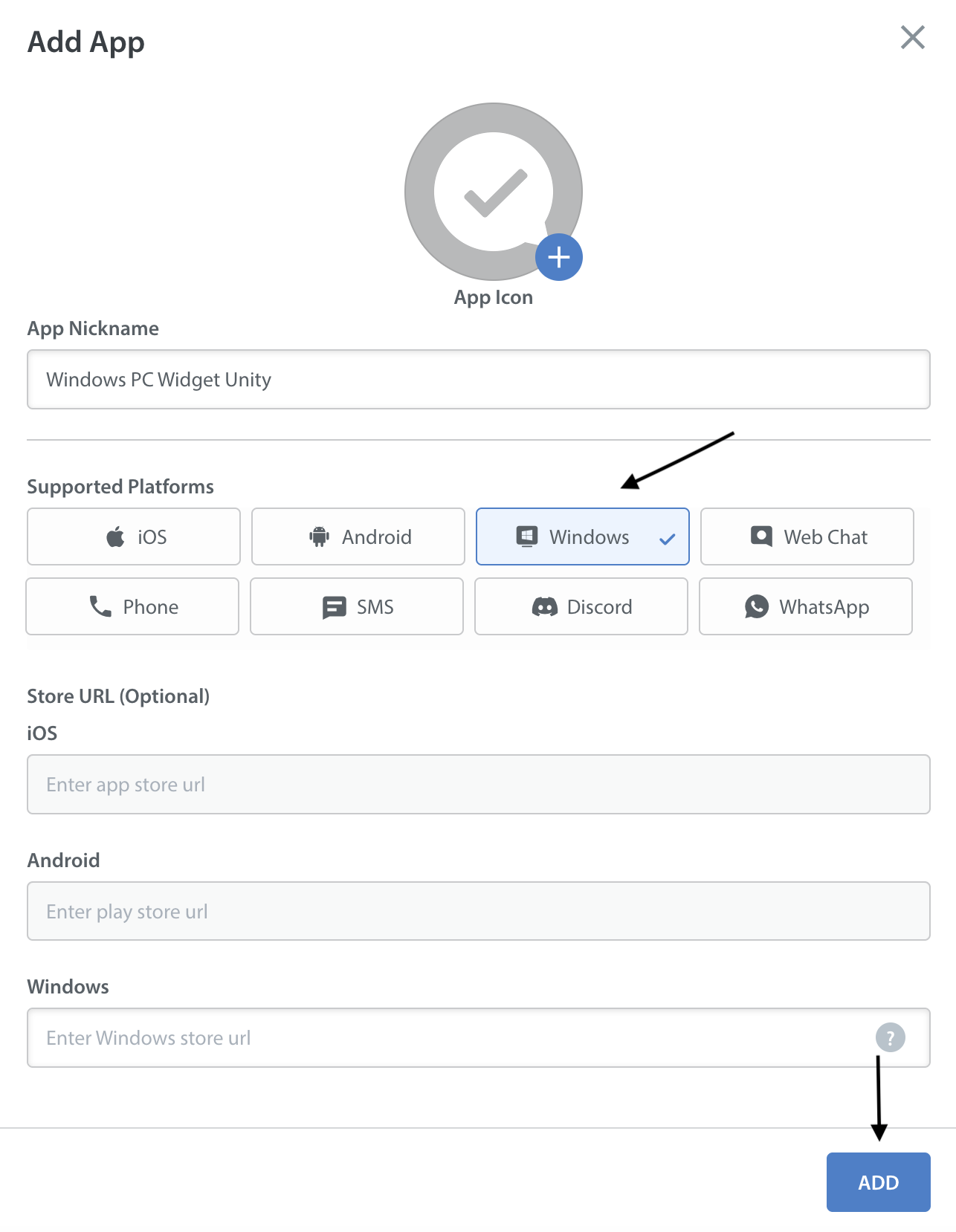
- Create an app with Windows as a selected
Platform